Cloud-Based Recruitment Software: Benefits and Top Tools

Dialflo: AI Voice Agent
May 6, 2026
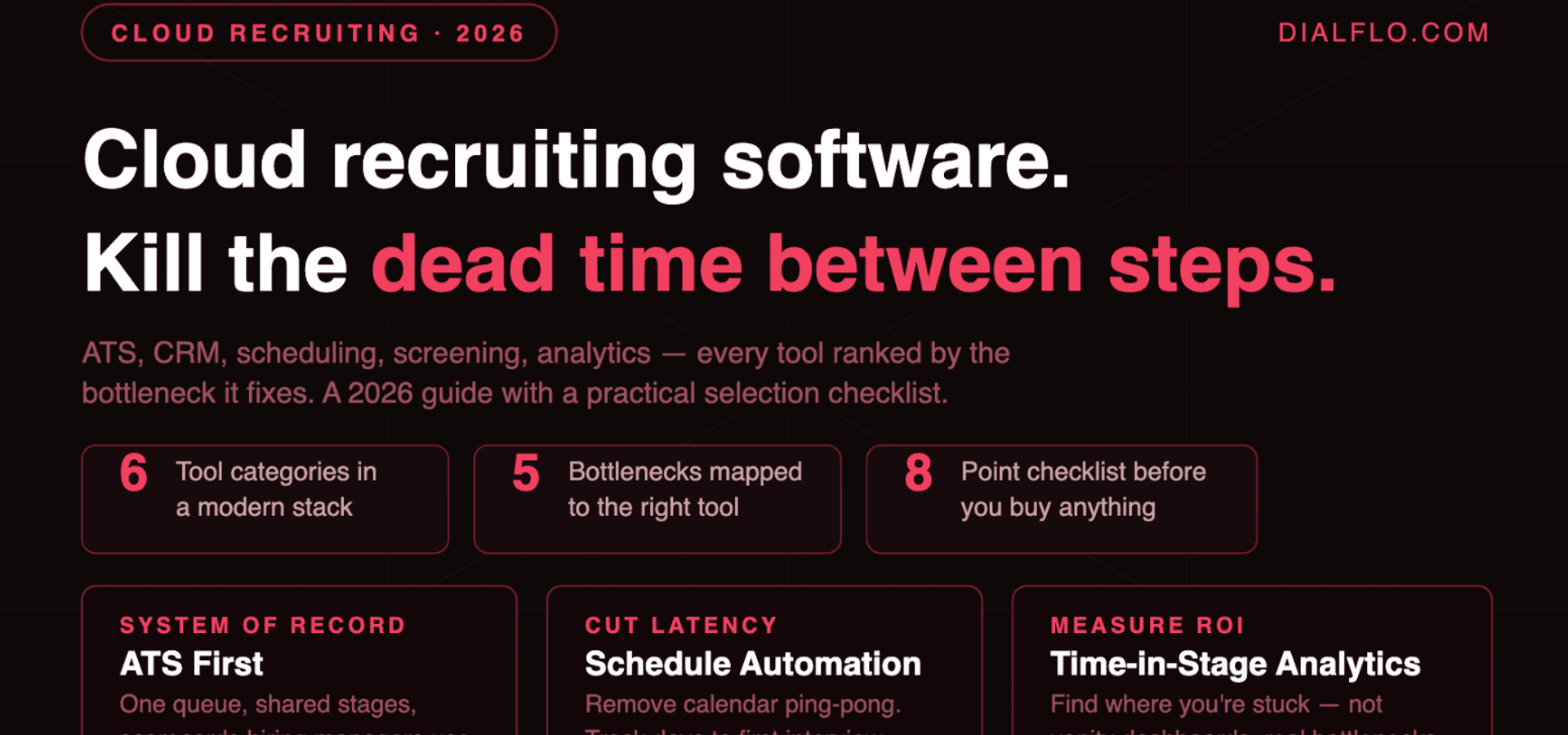
Cloud recruiting tools don’t “magically” hire faster. They reduce the idle time between steps, review, screen, schedule, decide.
Cloud based recruitment software is the fastest way for most teams to replace scattered spreadsheets, inbox threads, and calendar chaos with one shared hiring system. If you’re hiring at any volume, or across multiple locations, the problem is rarely “we need more interviews.” It’s latency: applications sit unread, callbacks happen days later, and scheduling takes five emails.
This guide breaks down what cloud recruiting software is, why it helps, and which tools actually matter (ATS, CRM, scheduling, screening, analytics). You’ll also get a practical selection checklist, metrics to measure ROI, and common mistakes that make teams hate their ATS.
What is cloud based recruitment software?
Cloud based recruitment software is hiring software delivered as a service (SaaS). Instead of installing software on a local server, you access it through a browser. Everyone, recruiters, hiring managers, and interviewers, works from the same system with role-based permissions.
In practice, “cloud recruiting” usually means an applicant tracking system (ATS) or a broader talent acquisition suite that includes marketing, CRM, scheduling, and analytics.
Gartner notes that talent acquisition applications have evolved beyond basic tracking to cover recruitment marketing, candidate relationship management, onboarding, and more, often bundled in suites for fast-growing organizations. See: Gartner: Applicant Tracking Systems (reviews).
The real benefits (and why they show up)
Most benefits come from one thing: turning hiring into a consistent workflow instead of a collection of one-off heroics.
1) Faster hiring by reducing “dead time”
Cloud tools speed up hiring by tightening handoffs: applications flow into one queue, screening questions reduce back-and-forth, and scheduling automation removes calendar ping-pong.
SHRM’s ATS resources emphasize efficiency gains from centralizing candidate management, automating repetitive tasks, and enabling structured workflows for recruiters and hiring managers. See: SHRM: Applicant tracking system resources.
2) Better collaboration between recruiters and hiring managers
Without a shared system, hiring managers “review” candidates in email and forget context. Cloud tools standardize feedback forms, keep notes in one place, and make approvals visible. This matters when multiple interviewers are involved.
3) Standardization (which improves quality and fairness)
Standard stages, scorecards, and structured screening help teams avoid inconsistent decisions. Many systems also support blind screening and consistent criteria, which can reduce bias when used correctly.
CIPD-oriented guidance around ATS benefits highlights automation, structured screening questions, and compliance-friendly data handling as major advantages for high-volume hiring. See: CIPD: Recruitment tools (and related ATS best practices content across HR bodies).
4) Analytics you can actually act on
Cloud systems can show time-in-stage, source quality, conversion rates, and bottlenecks. The best analytics are operational: “Where are we stuck?” not vanity dashboards.
5) Easier integrations across the hiring funnel
Modern recruiting stacks connect to job boards, background checks, assessments, HRIS, and onboarding. The goal is to avoid retyping candidate data across tools and to keep a consistent system of record.
Tool categories: what a modern cloud recruiting stack includes
Different teams call tools different things. Here’s a practical map of what “cloud based recruitment software” usually includes.
1) ATS (Applicant Tracking System)
Your ATS is the system of record for applicants: applications, stages, interview feedback, and offers.
2) Recruitment marketing (jobs distribution + careers site)
Tools that help publish roles across channels, optimize job pages, and measure applicant sources.
3) CRM (Candidate Relationship Management)
For nurturing pipelines and keeping passive candidates warm, especially in hard-to-hire roles.
4) Screening and assessments
Knockout questions, skills tests, structured async screens (video/voice), and workflow-based qualification.
5) Interview scheduling automation
Calendars and reminders that reduce reschedules and no-shows.
6) Offer and onboarding handoff
Templates, approvals, document collection, and transfer of hired candidate data into HRIS/onboarding.
How to evaluate cloud based recruitment software (a checklist)
Use this as a practical checklist before you buy anything:
- Workflow fit: Can it match your hiring stages without forcing weird workarounds?
- Hiring manager experience: Is it simple for managers to review, score, and decide?
- Candidate experience: Mobile-friendly apply, clear communication, and accessible flows.
- Automation quality: Are automations configurable and transparent (not black-box)?
- Reporting: Can you answer time-to-fill and time-in-stage without exporting to Excel?
- Integrations: HRIS, background checks, assessments, email/calendar, and job boards.
- Permissions and governance: Role-based access, audit logs, and data retention controls.
- Implementation effort: Can you pilot one role family in 30 days?
Pricing: what actually drives cost
Recruiting software pricing varies, but it usually depends on:
- number of recruiter seats
- number of open jobs / hiring volume
- modules (CRM, scheduling, assessments)
- support tier and implementation services
- integrations and API access
Practical advice: start with the minimum modules that solve your primary bottleneck, prove impact for 30–60 days, then expand.
Common mistakes (that make teams hate their ATS)
Mistake 1: Buying “suite” breadth without execution. If managers don’t use scorecards, your suite won’t speed decisions.
Mistake 2: Over-automation without candidate empathy. Auto-rejections and confusing bots can harm employer brand.
Mistake 3: Not cleaning data. Duplicate candidates, inconsistent stages, and broken source tagging destroy reporting.
Mistake 4: No governance. If anyone can change stages or permissions, quality and compliance drift.
Where Dialflo fits: cloud recruiting + phone workflows
Even with cloud tools, many hiring funnels still depend on phone calls, especially high-volume roles. Missed calls and delayed callbacks create silent drop-off.
Dialflo provides AI voice agents that can handle first-touch phone screening, collect structured answers, and help schedule interviews on your business number, reducing voicemail delays while your ATS stays the system of record. If your bottleneck is phone-tag, adding a voice layer can compress time-to-first-touch without redesigning your entire stack.
FAQ: cloud based recruitment software
What is cloud based recruitment software?
It’s SaaS hiring software that helps teams manage job postings, applicants, interviews, and analytics in a shared system, typically an ATS or talent acquisition suite with add-ons like CRM, scheduling, and screening.
What are the key benefits?
Faster hiring workflows, better collaboration, standardized stages and scorecards, improved reporting, easier integrations, and a better candidate experience, especially for multi-location and high-volume hiring.
Do small companies need it?
If you hire occasionally, email + spreadsheets can work. If you hire continuously, across roles/locations, or at volume, a cloud ATS quickly pays for itself by reducing coordination overhead and missed candidates.
What tools should I prioritize first?
Start with an ATS that hiring managers will actually use. Then add scheduling automation if calendars are the bottleneck, and screening/assessments if application volume is the bottleneck.
What are the biggest risks?
Data hygiene and governance issues, weak permissions, compliance gaps, and poor candidate experience due to over-automation. Mitigate with clear workflows, audits, and human fallbacks.
How does Dialflo fit into a cloud recruiting stack?
Dialflo adds voice automation for phone-first workflows, screening, scheduling, and follow-ups, while your ATS remains the system of record. See dialflo.ai.
Closing: buy for your bottleneck, then measure
Cloud based recruitment software is worth it when it removes dead time between steps: review, screen, schedule, decide, offer. Start with your biggest bottleneck, pilot one role family, and measure time-in-stage improvements before expanding your tool stack.