How to Analyze Call Outcomes in Your CRM Dashboard

Dialflo: AI Voice Agent
August 25, 2026
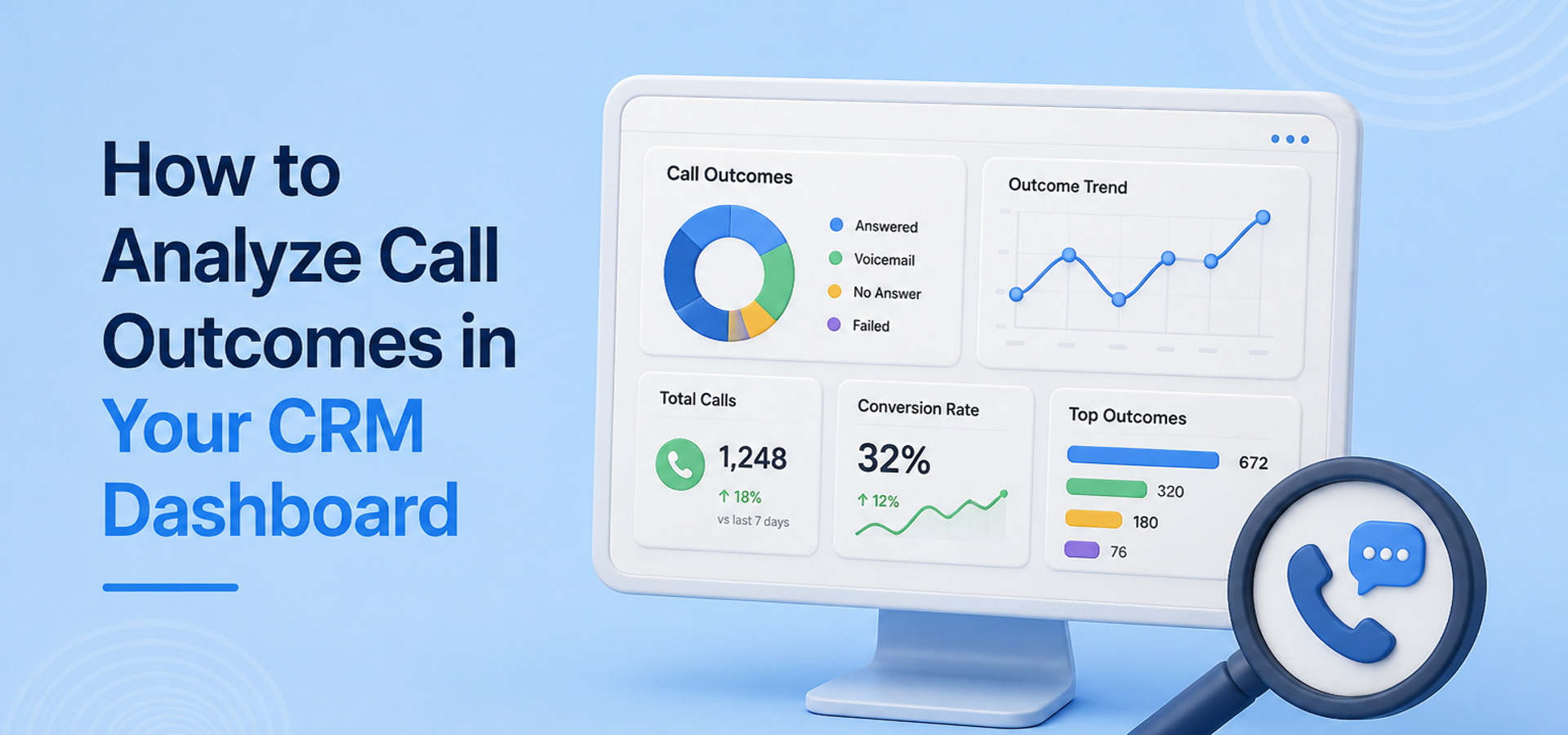
Short answer: To analyze call outcomes in your CRM dashboard, treat every call as a structured event: a required disposition, a linked contact or deal, and a next action. Then report four layers (connect, conversation quality, conversion, and consequence for what the CRM did next) instead of staring at dial count.
Monday morning. The board asks why pipeline is soft. Someone opens the CRM. “We made 4,200 calls last week.” Silence. Nobody can say how many were real conversations, how many should have been recycled, or which list burned the team’s connect rate. The dashboard counted motion. It did not count outcomes.
This guide shows how to fix that: clean disposition design, the metrics that matter, dashboard widgets that survive an exec review, and how AI voice agents keep outcome data complete. It applies to sales CRMs, recruiting CRMs, and ops systems that behave like CRMs for loads and accounts. For related hiring analytics, see recruitment analytics software and candidate relationship management systems.
What “call outcomes” mean inside a CRM
A call outcome (disposition) is a controlled label for what happened after the phone rang: no answer, connected, left voicemail, meeting booked, not interested, wrong number, do not call.
CRMs only become useful when those labels are fields, not free-text notes. Salesforce Call Center exists so teams can place and receive calls from Salesforce and report on call outcome, duration, and more. Source: Salesforce Help: Salesforce Call Center.
HubSpot makes the same idea explicit: every logged call can carry a call outcome (defaults include Busy, Connected, Left voicemail, No answer, Wrong number, plus custom outcomes), and sales analytics includes call outcome reports. Sources: HubSpot: Create custom call and meeting outcomes and HubSpot: Sales analytics suite.
If outcomes live only in a dialer’s UI and never sync to CRM objects, your “CRM dashboard” will always lie about phone performance.
The Outcome Pyramid: how to read call results without drowning in charts
Use this Dialflo framing when you analyze call outcomes in your CRM dashboard. Each layer answers a different management question.
Layer 1: Connect (did a human conversation happen?)
- Connect rate = connected outcomes / total attempts
- Voicemail rate and no-answer rate by hour and list
- Wrong-number / bad-data rate (list hygiene signal)
Rule: voicemail is not a connect. If you inflate connects, every conversion metric below becomes fiction.
Layer 2: Conversation (was the talk useful?)
- Average talk time on connected calls (distribution, not only average)
- Outcome mix among connects: interested, callback, not interested, disqualified
- For recruiting: knockout pass/fail and schedule rate after screen
Layer 3: Conversion (did the business move?)
- Meetings booked / connects
- Opportunities created / connects (or qualified candidates / screens)
- Attempts-to-first-connect and connects-to-first-meeting
Layer 4: Consequence (did the CRM act?)
- Percent of outcomes that created a task, stage change, or sequence branch
- Follow-up SLA: time from “callback requested” to next completed touch
- Override rate: how often humans rewrite an AI or rep disposition
Most teams stop at Layer 1. Revenue shows up in Layers 3 and 4.
Fix the data model before you build pretty dashboards
1) Shrink the disposition list
Long picklists kill compliance. Reps memorize six codes and dump everything else into Other. Keep a short, mutually exclusive set. Define each outcome in one sentence. Map each outcome to exactly one next action (task, stage, recycle, stop dialing).
2) Require outcomes on completed calls
HubSpot lets admins require call outcome logs for outbound calls placed in-product. Source: HubSpot: Manage call settings. Mirror that discipline in Salesforce or your ATS: no completed call without a disposition field.
3) Auto-log to the right record
Every call needs a parent: Lead, Contact, Deal, Candidate, Account, or Load. Orphan activities are dashboard poison. If you run recruiting stacks, treat write-back as part of integration design. See how to integrate recruiting software with existing systems.
4) Separate telephony truth from human judgment
Store carrier/disconnect signals separately from sales dispositions when your stack supports it. Salesforce Voice can surface disconnect reasons from telephony providers so you can tell “network drop” from “hung up angry.” Source: Salesforce Help: Track Disconnect Reasons on Voice Calls.
The CRM dashboard widgets that actually help
Build six widgets when you analyze call outcomes in your CRM dashboard. No vanity dial charts as the hero metric.
- Outcome mix (this week vs last week). Stacked bars or simple share of each disposition. Spot spikes in wrong number, not interested, or no answer.
- Connect rate by owner and by list/source. Separates skill problems from list problems.
- Conversion from connected calls. Meetings booked, demos set, candidates scheduled, or payments promised, depending on your funnel.
- Time-to-first-touch and follow-up latency. Fresh leads dying in the queue show up here first.
- Attempts funnel. Attempts → connects → qualified → meeting/stage change. One picture for execs.
- Automation completion. Percent of “callback” or “send info” outcomes with a completed next task inside SLA.
For staffing and recruiting, add stage velocity after phone screen. For logistics exception lines, add containment and repeat-call rate by account. Related ops context: the logistics decision gap and AI in logistics use cases.
A weekly ritual to analyze call outcomes in your CRM dashboard (45 minutes)
Dashboards do not create insight by themselves. Run this loop every week.
- Hygiene check (5 min): What percent of completed calls lack an outcome? If above ~5%, fix process before coaching.
- Connect check (10 min): Which sources or hours tanked connect rate? Pause bad lists; shift dial windows.
- Conversion check (10 min): Who connects but rarely books? That is coaching, not dialer volume.
- Objection/DQ check (10 min): Which “not interested” or DQ reasons dominate? Fix offer, targeting, or script, not just talk tracks.
- Consequence check (10 min): Are promised follow-ups happening? If CRM tasks die, the outcome label was theater.
Real estate and lead-heavy teams often discover the gap between “connected” and “qualified” only when voice outcomes land cleanly in CRM. See Dialflo vs Retell for real estate lead qualification calls.
Sales, recruiting, and ops: same method, different outcome maps
Sales CRM
Map outcomes to sequence branches: voicemail → voicemail cadence; connected-interested → meeting booker; wrong number → enrichment stop. Report meetings per connect, not dials per day.
Recruiting CRM / ATS
Map screen outcomes to stage: pass, fail knockout, no-show risk, scheduled. Pair with interview quality later via interview intelligence and candidate performance. Phone outcomes should not live only in recruiter Slack.
Logistics / account operations
Map outcomes to load or ticket fields: status confirmed, appointment changed, POD requested, escalated to human. Containment and repeat inbound rate matter more than “talk time.”
Where AI voice agents change CRM outcome analysis
Manual logging fails under volume. AI voice agents improve outcome analysis when they:
- write a required disposition every time
- capture structured answers (budget, shift, PRO number, ETA)
- create the next CRM task or stage change
- attach a short summary humans can trust
That turns conversational services into measurable CRM events. Background: what conversational services are. For hiring automation context, see AI in recruitment and hire candidates faster with AI tools.
Track one extra metric after you add voice AI: human override rate on dispositions. High overrides mean your taxonomy or prompts are wrong, not that “AI doesn’t work.”
Common mistakes when you analyze call outcomes in your CRM dashboard
- Hero metric = dials. Fix: hero = connects and conversions from connects.
- 40 disposition codes. Fix: cut to a short set; archive the rest.
- Notes instead of fields. Fix: structured outcome + optional note.
- Averages without distributions. Fix: show outcome mix and rep percentiles.
- No link to next action. Fix: every outcome triggers a task, stage, or stop rule.
- Phone data trapped in the dialer. Fix: native write-back to CRM/ATS objects before you “build more reports.”
Where Dialflo fits
Dialflo helps teams analyze call outcomes in the CRM by running the phone workflow and writing structured dispositions, answers, and next steps back to the system of record. Dashboards improve when every attempt leaves a clean event, not when you add another chart to incomplete activity.
If your CRM already stores outcomes but nobody trusts them, start with taxonomy and required logging. If outcomes are missing because humans cannot keep up, add a voice layer that logs for you.
FAQs
What are call outcomes in a CRM?
They are structured labels for what happened on a call. Without them, CRM phone reports collapse into raw activity counts.
How do I analyze call outcomes in my CRM dashboard?
Require dispositions, auto-log to records, then review connect rate, outcome mix, conversion from connects, and whether promised follow-ups completed. Use the Outcome Pyramid so exec views stay simple.
What is a good connect rate?
It depends on list quality and channel. Benchmark against your own median by source and hour. Never count voicemail as a connect.
How many disposition codes should we use?
Keep a short, exclusive list most people can memorize. If Other exceeds roughly one in five logged calls, your taxonomy is broken.
Can AI suggest call outcomes automatically?
Yes. Many teams let voice AI or conversation tools propose a disposition from the transcript while a human confirms edge cases. Completeness rises when confirmation is faster than blank logging.
How does Dialflo help?
Dialflo executes phone workflows and writes outcomes into CRM/ATS fields so dashboards reflect real results. Explore Dialflo if incomplete call logging is the reason your CRM cannot explain pipeline or hiring throughput.
Want a cleaner way to analyze call outcomes in your CRM dashboard next week? Start with a short disposition set, wire required logging, and put the six widgets above on one CRM dashboard. Then let voice automation keep the funnel complete at volume.